Page last updated . Prices and calories are approximate and vary by store — how we source them.
Sheetz MTO Menu — Made-To-Order Prices & Calories (2026)
The MTO (Made-To-Order) menu is the heart of Sheetz. Every burger, sub, wrap and side can be built exactly the way you want it — choose your bread, protein, cheese, toppings and sauces at no extra step. Here's a breakdown of the main MTO categories. Ordering follows the same simple flow no matter what you're building: start with a base (bun, sub roll, wrap or bowl), add your protein, pick a cheese, load up on toppings, and finish with a sauce — whether you're at a touchscreen kiosk or ordering through the app. Once you've built a combination you like, the app lets you save it as a favorite so you don't have to re-select every option on your next visit.
On this page
Burgers & Sliders
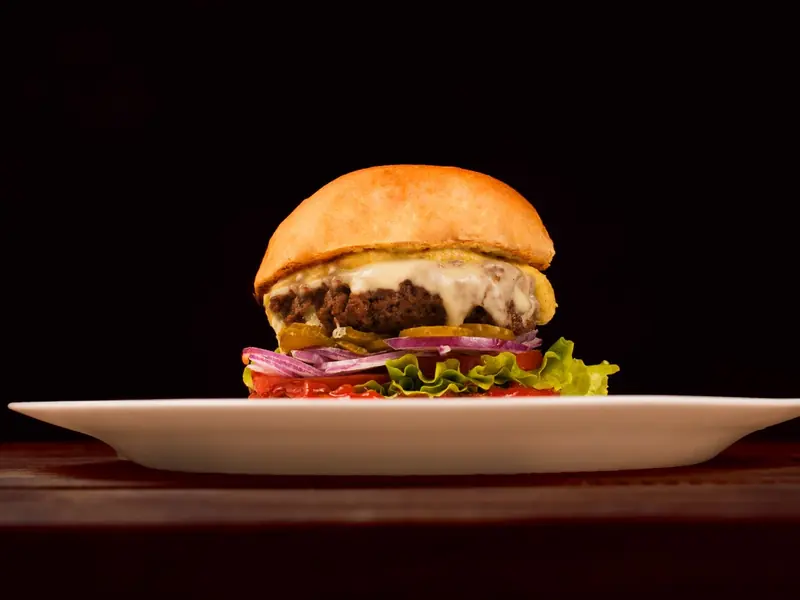
Made-To-Order Burger
A classic customizable burger patty on your choice of bun, with any topping combination.
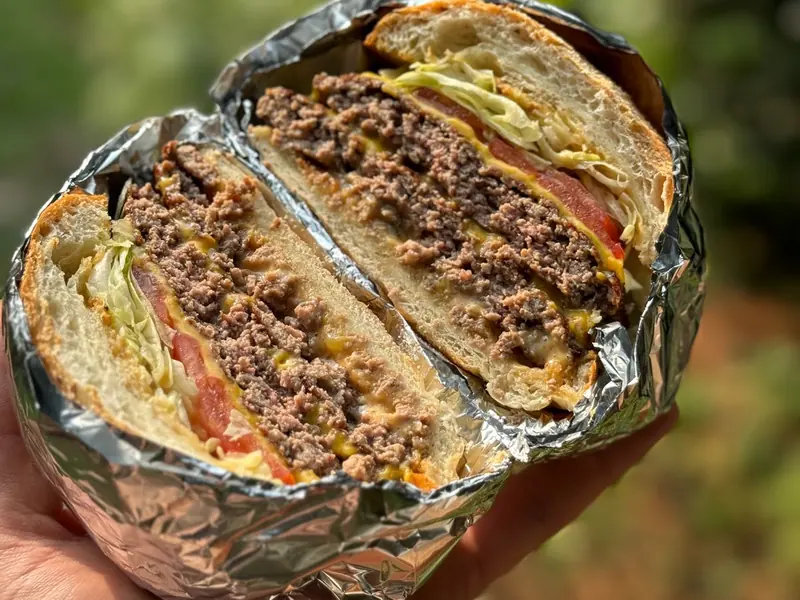
Sh'tacked Burger
A double-stacked burger build for bigger appetites.
Sliderz
Mini burger sliders, great as a side or shareable snack.
Subs, Sandwiches & Wraps
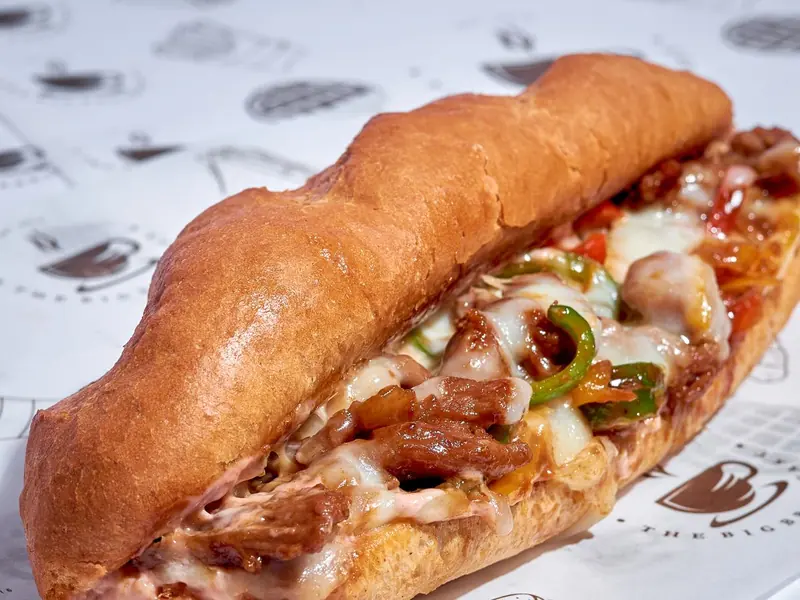
6-Inch Custom Sub
Build a 6" sub with your choice of meat, cheese and toppings.
12-Inch Custom Sub
The full-size version of the custom sub — good for sharing or a bigger meal.
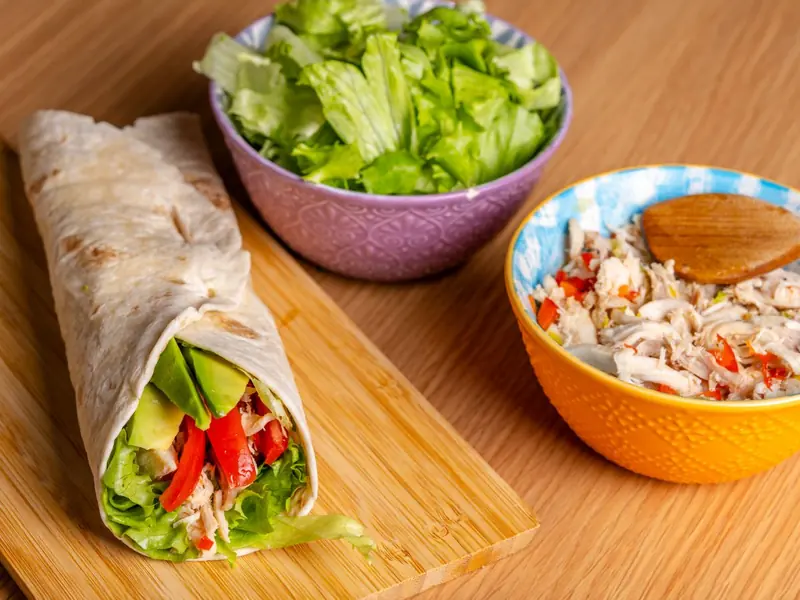
Shnack Wrapz
Lighter wrap option with your pick of filling and sauce.
Appz & Sidez
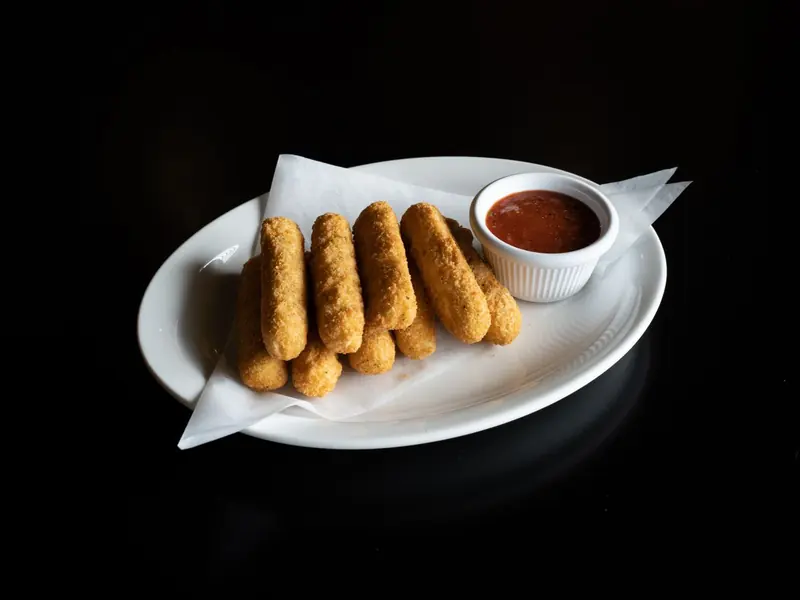
Classic Sampler
Mozzarella sticks, fries, and other shareable fried favorites in one order.
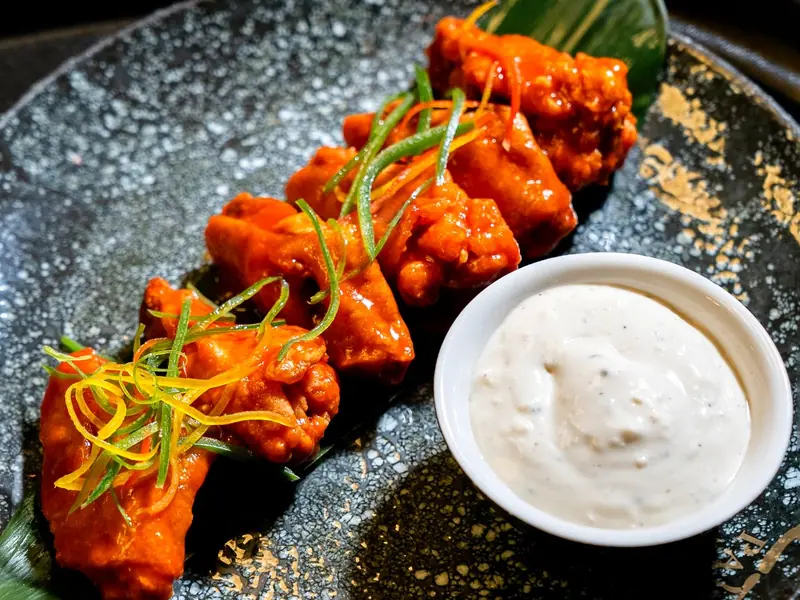
Shwingz
Sheetz's take on boneless wings, available in multiple sauce flavors.
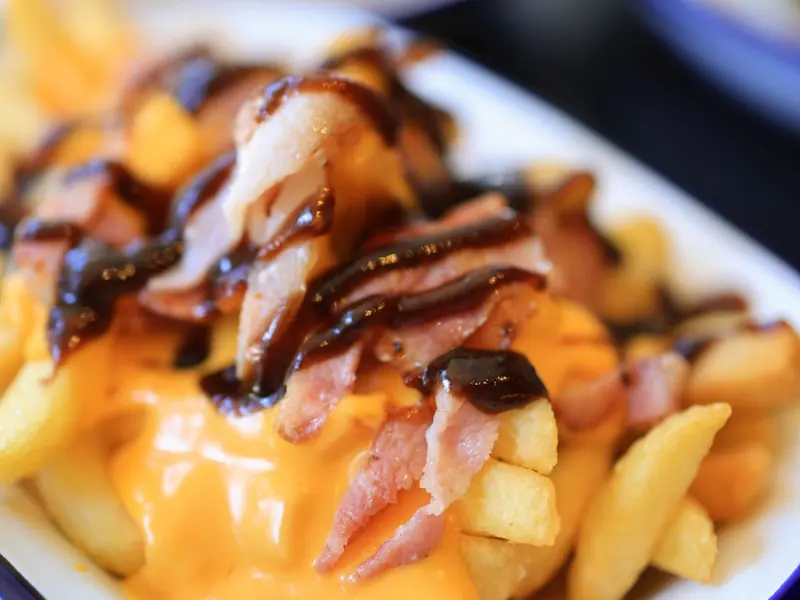
Loaded Fries
Seasoned fries topped with cheese, bacon and other add-ons.
Salads & Eat Shmart
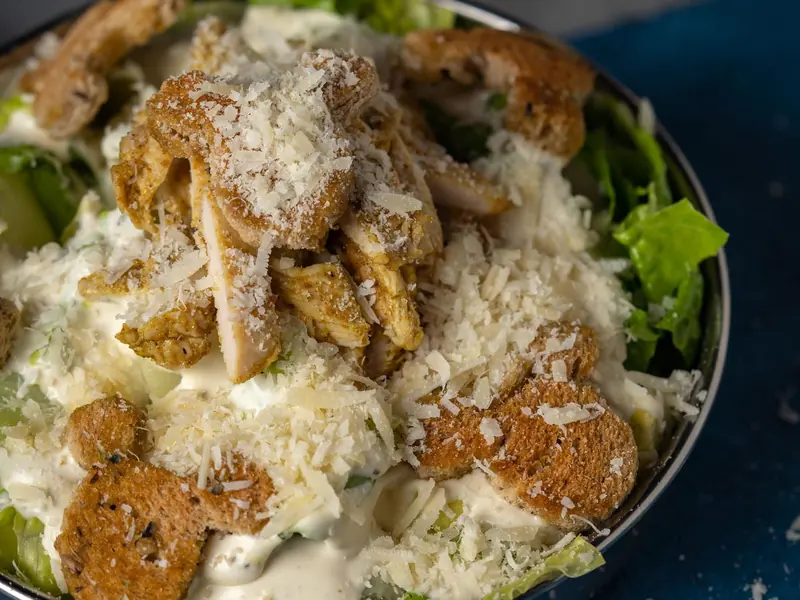
For lighter options, Sheetz's "Eat Shmart" section includes grilled proteins, salads and wraps.
Why People Love the Sheetz MTO Menu
- Nothing is a fixed combination. Every burger, sub and wrap starts as a blank build — swap the bun for a wrap, drop the cheese, or stack three sauces without asking anyone's permission or paying an upcharge for most changes.
- The kiosk moves fast even with a complicated order. Building a loaded Sh'tacked Burger with six toppings takes about as long as tapping through a simple combo, since the touchscreen walks you through each step in order.
- Favorites save real time on repeat visits. Once you've built a sub or wrap exactly how you like it, saving it in the app means your next order is a single tap instead of rebuilding it from scratch.
- The protein and topping range is unusually wide for a convenience store. Between burger patties, steak, chicken, deli meats and grilled options, the MTO lineup covers more ground than most gas-station food counters attempt.
- Portion-for-portion pricing beats typical fast food. A fully loaded 12-inch sub or a Sh'tacked Burger often costs less than a comparable combo at a traditional drive-thru, especially once you factor in how customizable it is at no added charge.
How to Order Sheetz MTO
- In-store touchscreen kiosk. Walk up to any kiosk, pick your category, and build the item step by step — bread or bun, protein, cheese, toppings, then sauce. Pay at the kiosk or at the counter, and a ticket number lets you track when it's ready.
- Sheetz app. The app mirrors the in-store build screens, so you can customize the exact same burger, sub or wrap from your phone. Saved favorites and order history make reordering a complicated build much faster than starting over at a kiosk.
- Delivery (DoorDash, Uber Eats, Grubhub). Where available, most MTO items can be ordered for delivery through third-party apps. Customization options are usually more limited than the kiosk or app, so if you have a very specific build in mind, ordering direct tends to get you closer to what you actually want.
I default to the 12-inch custom sub more often than anything else on this menu, mainly because I can load it with double meat and a light hand on the mayo without it turning into a soggy mess by the time I get to my car. The Sh'tacked Burger is worth ordering exactly once at full size just to see what "stacked" actually means at Sheetz — it's genuinely a two-person meal for most people. My one real tip: the kiosk defaults to a fairly generous sauce portion, so if you're picky about a sandwich getting too wet, tap the sauce option down a notch before you finish the order instead of asking for it on the side after the fact.
Quick Questions
Can I customize any MTO item?
Yes. Every burger, sub, wrap, salad and side on the MTO menu is built from scratch when you order, so you can add or remove any protein, cheese, topping or sauce. The touchscreen kiosk and the Sheetz app both let you build an item from the ground up rather than picking from a fixed list of combinations.
How long does an MTO order take?
Most MTO items are ready in roughly 3 to 7 minutes depending on how busy the location is and how complex the order is. Simpler items like Sliderz or Shnack Wrapz tend to come up faster than a fully loaded Sh'tacked Burger or a 12-inch sub with several toppings.
What's the cheapest MTO option?
The base Made-To-Order Burger and the Shnack Wrapz typically start under $5, making them the most budget-friendly entry points into the MTO menu. Sliderz are also inexpensive and work well as a smaller snack instead of a full sandwich.
Can I order MTO through the app?
Yes. The Sheetz app mirrors the in-store kiosk build screens, so you can customize a burger, sub or wrap from your phone, save it as a favorite for next time, and schedule pickup so it's ready when you arrive.
Are MTO calories accurate?
Calorie figures listed here reflect a standard, default build of each item. Because almost everything on the MTO menu is customizable, adding extra cheese, sauce or a bigger portion will change the actual total — the app's nutrition calculator updates in real time as you build your order.
Related Guides
Sheetz Breakfast Menu →
Sheetz Drinks Menu →
Sheetz Nutrition & Calories →